
Animation
Create cleaner vector artwork in Adobe Illustrator for faster, smoother animation workflows in After Effects.
Create cleaner animation-ready artwork
Reduce rigging and morphing problems
Build faster Illustrator to After Effects workflows

Your instructor
Megan Friesth
Made with
Astute Graphics Plugins
Build clean shapes
Create common vector shapes with Dynamic Shapes.
Improve shape morphing
Learn how to use PathScribe to improve your point placement.
Organize artwork for animation
Learn how to bulk rename your layers in Adobe Illustrator
Drawing perfect curves
Learn how to draw perfect curves and tangent lines with the SubScribe tool
Perfect symmetry
Learn how to create geometric vectors with precision and minimal anchor points
Export-ready files
Learn how to prepare your vector files ready for morph animation
The dynamic duo
Master creating the perfect shapes
Use Dynamic Corners and Dynamic Shapes to build animation-friendly vector icons.
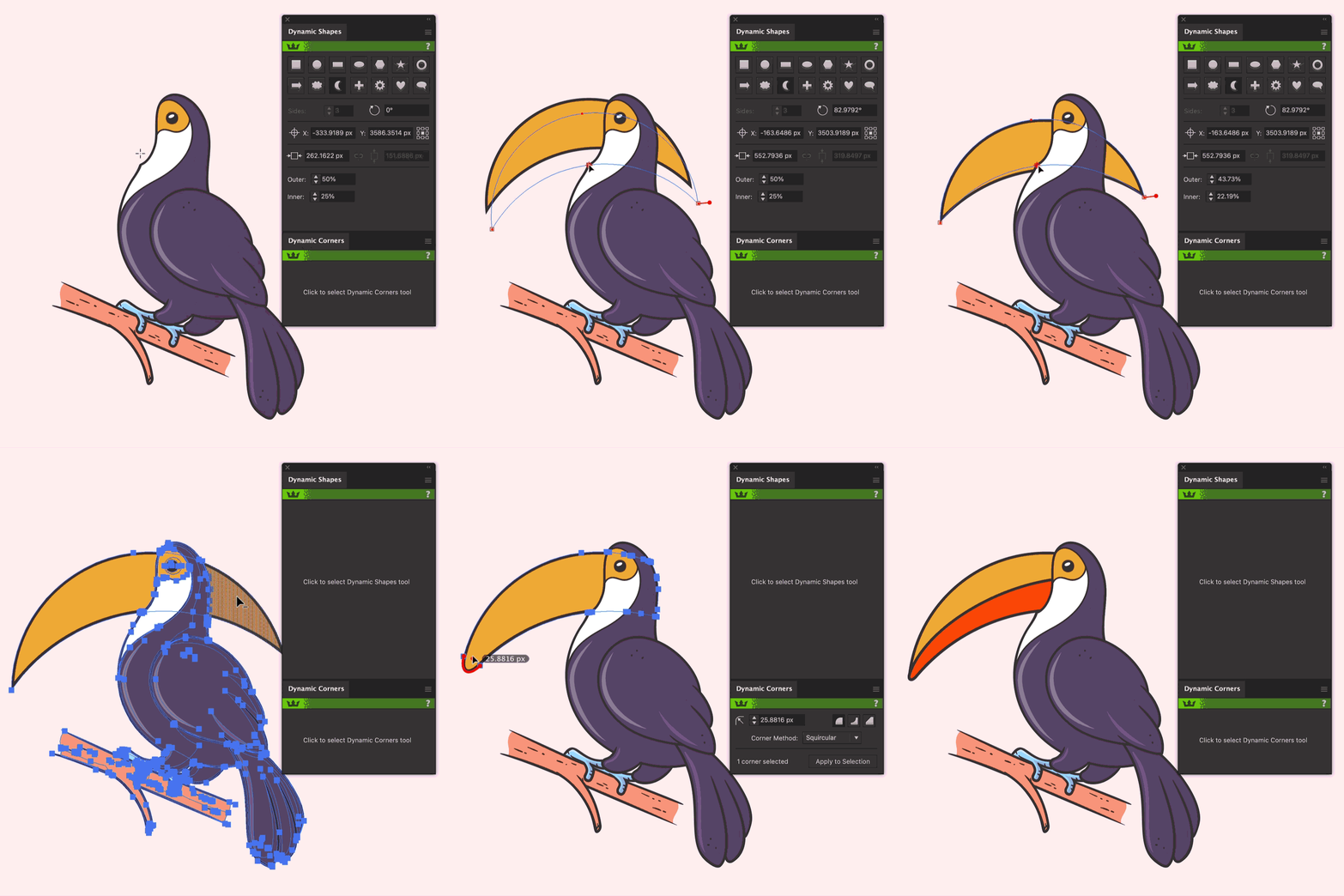
To the points
Perfect your point placement
Use PathScribe to adjust multiple handles simultaneously and add points without distorting shapes.
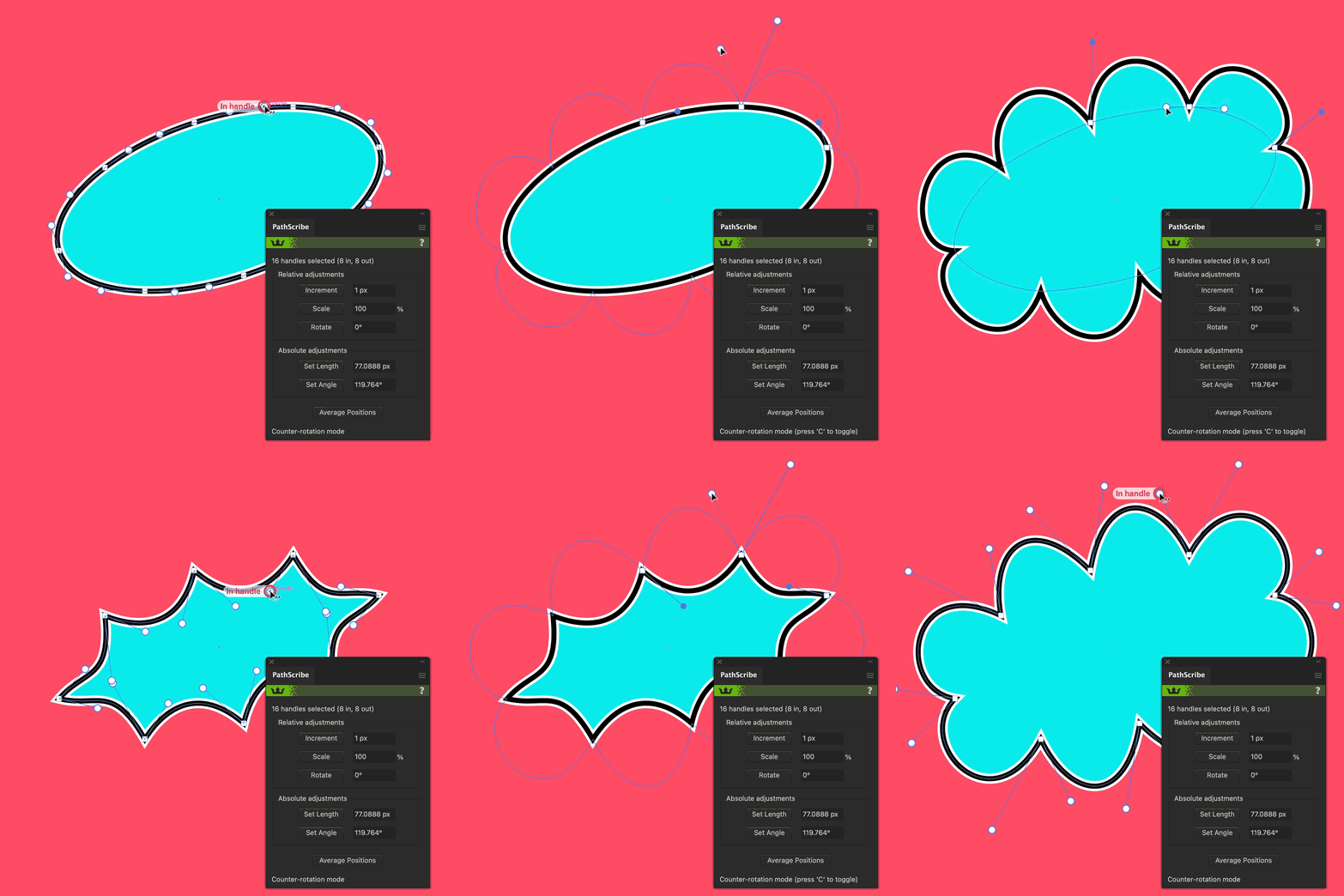
Throw some shapes
Generate quick pattern backgrounds
Space Fill can scatter vector objects in Illustrator, which means making backgrounds and patterns super quick and easy.
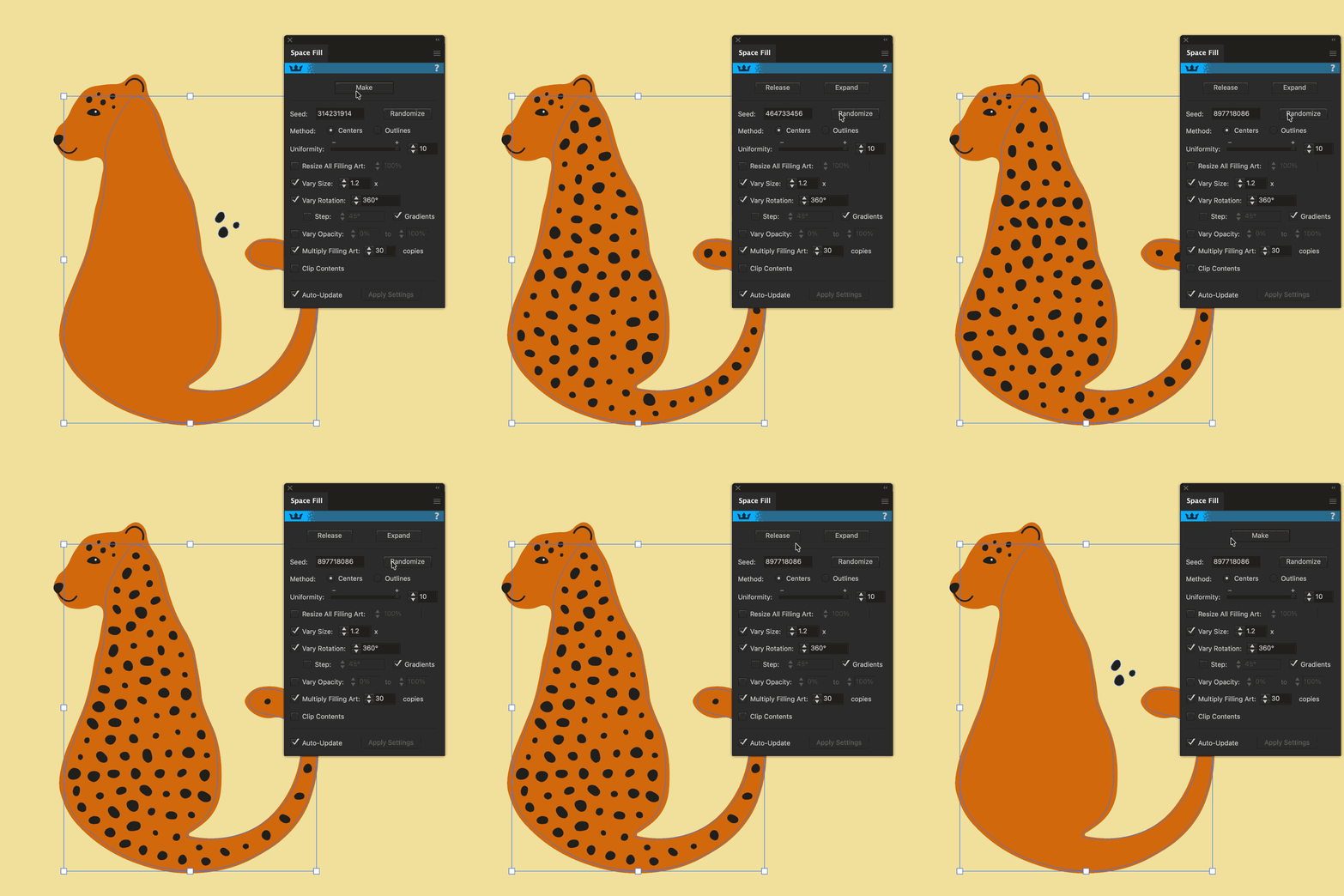
Relevant for
Motion Designers
Animation Studios
UI Animators
Brand Designers
Explainer Video Creators
Broadcast Designers
Animation artwork appears on
Explainer Videos
Social Media Content
UI Animations
Broadcast Graphics
Logo Animations
Motion Design Systems
Transform how you work
Smart tools for smart workflows.
Speed up your workflow with plugins for designers by designers.

Video 1
Workflow Setup
Megan Friesth introduces her process for creating clean, animation-ready vector artwork in Adobe Illustrator.

Video 2
Shapes & Corners
Megan shows how geometric illustrations can be constructed with precision and minimal anchor points.

Video 3
Paths & Points
Megan explores advanced point and handle editing techniques with PathScribe and SubScribe.

Video 4
Color & Details
Learn techniques for creating shadows, highlights, clipping masks, layered details, and decorative elements.

Video 5
Export-ready
Learn techniques for creating shadows, highlights, clipping masks, layered details, and decorative elements.
Meet your instructor
Megan Friesth

Megan Friesth has over a decade of experience writing, illustrating, and animating educational animations about human and planetary health. She teaches illustration and motion design through her business and YouTube channel, Animation Explained. As a self-taught motion designer, she knows where beginners get stuck, and is on a mission to help students learn more efficiently than she did.

Kickstart your workflows
Take your Adobe Illustrator workflow to the next level.
Try our premium Adobe Illustrator plugins for 7 days, and claim 4 free plugins to keep!
No payment details required